Environment
The Environment includes all the software and compute resources and is set up in the Environment Editor. The Environment folder has the path of /environment in a Capsule. /environment is invisible in a Reproducible Run, but accessible via any of the Cloud Workstation apps.
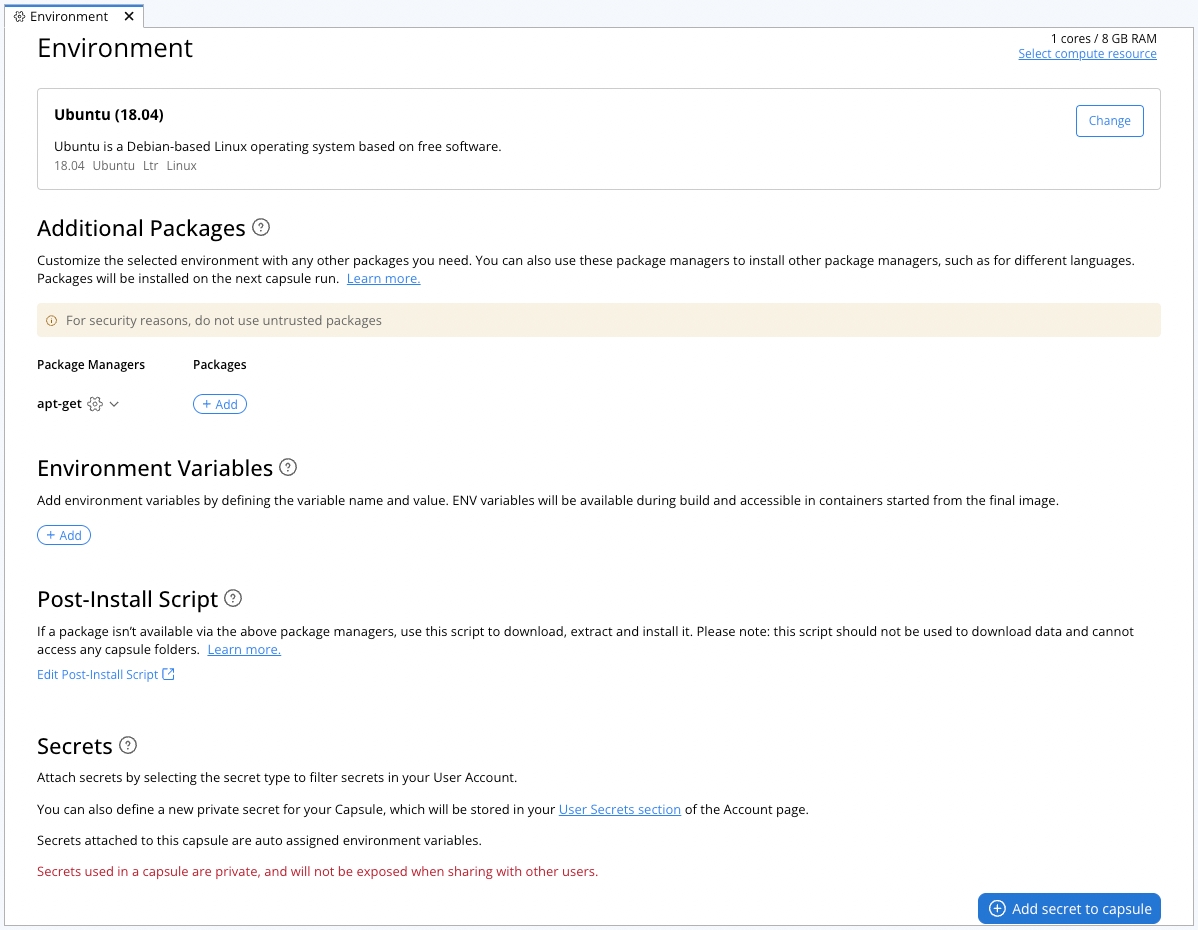
The Environment Editor is where you can select the compute resources, base image, add additional packages in package managers, set environmental variables, install extra packages in a post-Install scripts, and attach secrets to the Capsule.
Steps on configuring the environment can be found in the Setting up the Environment guide.